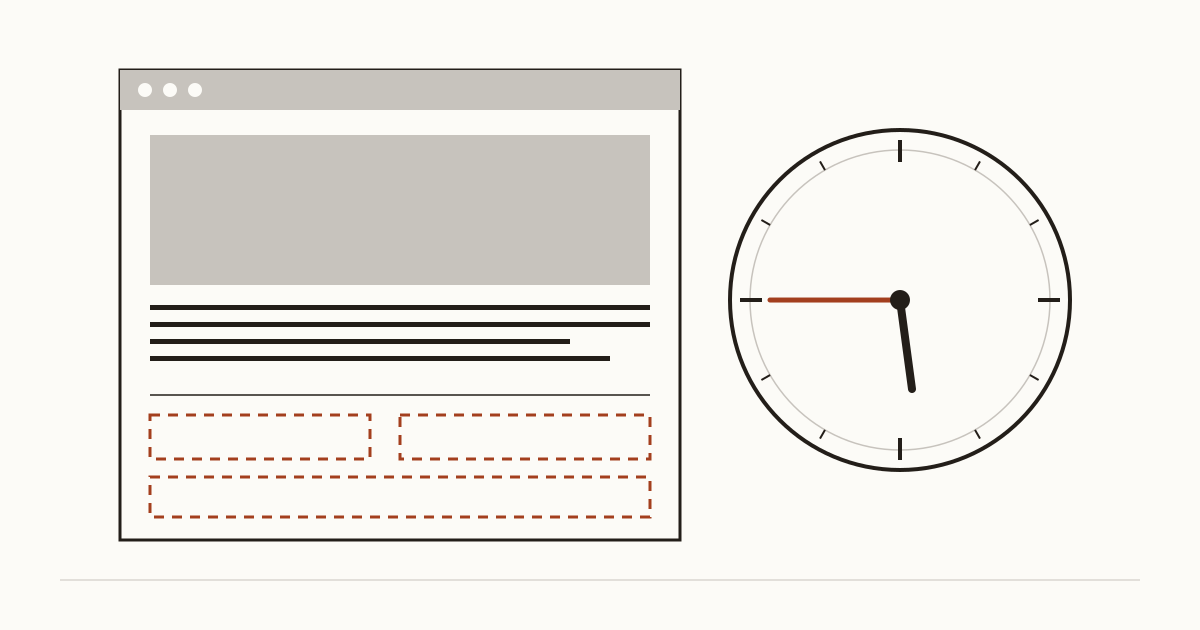
It's 5.45pm on a Thursday. Someone at a bus stop has cracked their phone screen and wants to know if your repair shop is still open. They open your website and scroll past a team photo and a paragraph about your values. No hours anywhere. So they go back to the search results and ring the next shop on the list, where somebody picks up on the second ring.
You never hear about that visitor. That's why these gaps cost so much. Nothing on the site looks broken, while the booking lands with somebody else.
Why these small things decide a visit
Most people who land on a small business site already know what you do. They came with a short list of questions. Are you open right now? Where are you? How do I reach you?
If the page answers those in a few seconds, they call or book. If it doesn't, they rarely go hunting. They head back to Google, where a competitor's listing shows the answers in one line. We'd put it bluntly: your contact details are part of what you sell, not a page you tack on at the end. A lovely menu does nothing for someone who can't tell whether you're serving tonight.
The gaps we see most often
When Cents Security scans a business website, the same few gaps turn up over and over. We find them on sites an agency built and on sites the owner put together one Sunday afternoon. You can read a full list of what we check, grouped by who each problem affects. The four below are the ones that turn a customer who was ready to book into somebody else's customer.
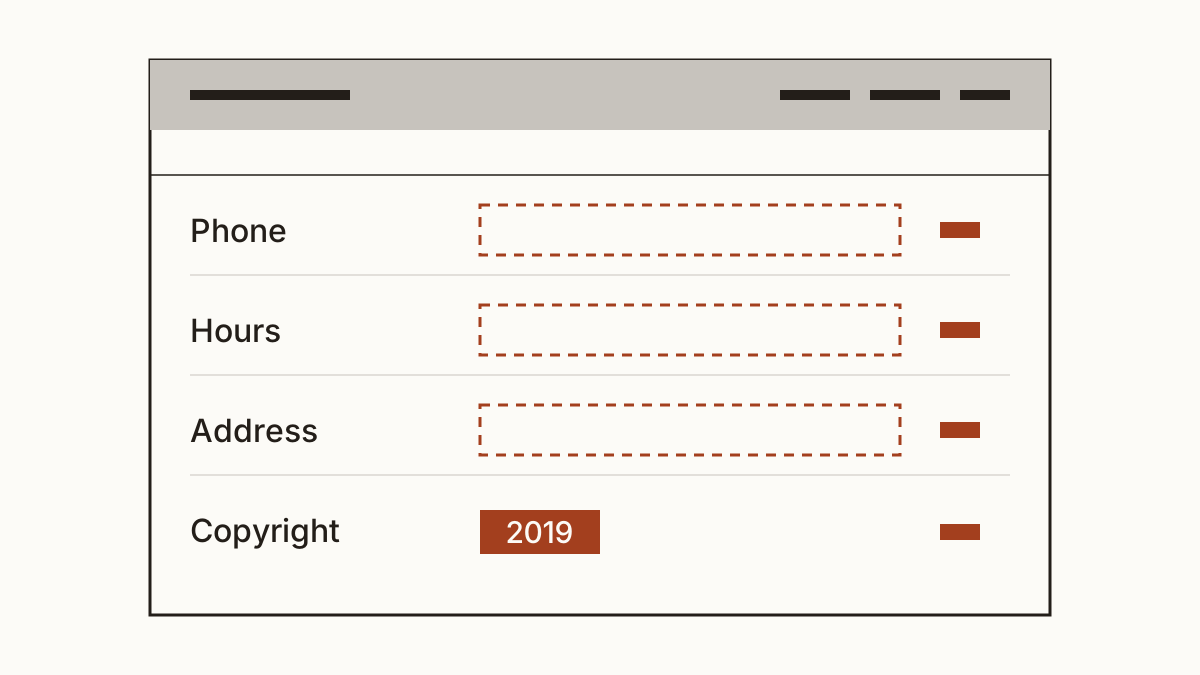
No phone number, or one you can't tap
Sometimes there's no number at all, only a contact form. More often the phone number is there, but it sits inside an image or is typed as plain text, so a phone won't dial it with a tap. On a laptop that's a small annoyance. On a phone it means copying digits by hand while walking down the street, and plenty of people won't bother. It's one of the mobile problems that cost you bookings, and it's one of the cheapest to put right. Your web person adds a tel: link around the number, which takes minutes.
Opening hours missing or out of date
Missing hours are bad. Wrong ones are worse, because someone turns up to a locked door and doesn't come back. We often see the summer timetable still up in November, or a Christmas closure notice from two years ago. Our rule of thumb is simple to follow: your hours live in one place on the site, and you change them there and on Google on the same day.
No address on the page
A clinic or café with no address makes people check the map twice. Some never find you. Even if most of your customers arrive through Google Maps, the address on your own site is what tells them they've got the right business and not a namesake across town. It also helps search engines match your site to your listing.
A copyright line from years ago
A footer that still reads "© 2019" tells a visitor nobody has touched the site in years. Fair or not, plenty will wonder if you've closed. Put the current year in, or ask your developer to make it update itself each January.
What it costs you
We'd rather show the sum than hand you one figure. You need three inputs: visits a month to your home and contact pages, the share of those visitors who'd normally call or book, and what a booking is worth to you.
Say a dental practice gets 400 visits a month to those pages. If 5% would normally book and a first appointment is worth about £60, that's 20 bookings, or roughly £1,200 a month. Now suppose missing hours or an untappable phone number turn away one in ten of them. That's about £120 a month. At one in four, it's nearer £300. These are example numbers, not yours, and nobody can measure that share from outside. On a scan we show every input next to the figure, so you can swap in your own.
Fix them in an afternoon
Start with the footer, because it shows on every page. Put in your phone number as a tappable link and your address. Then add a short line on hours, or a link to the full timetable. Your web designer can do this in under an hour, and most site builders let you do it yourself.
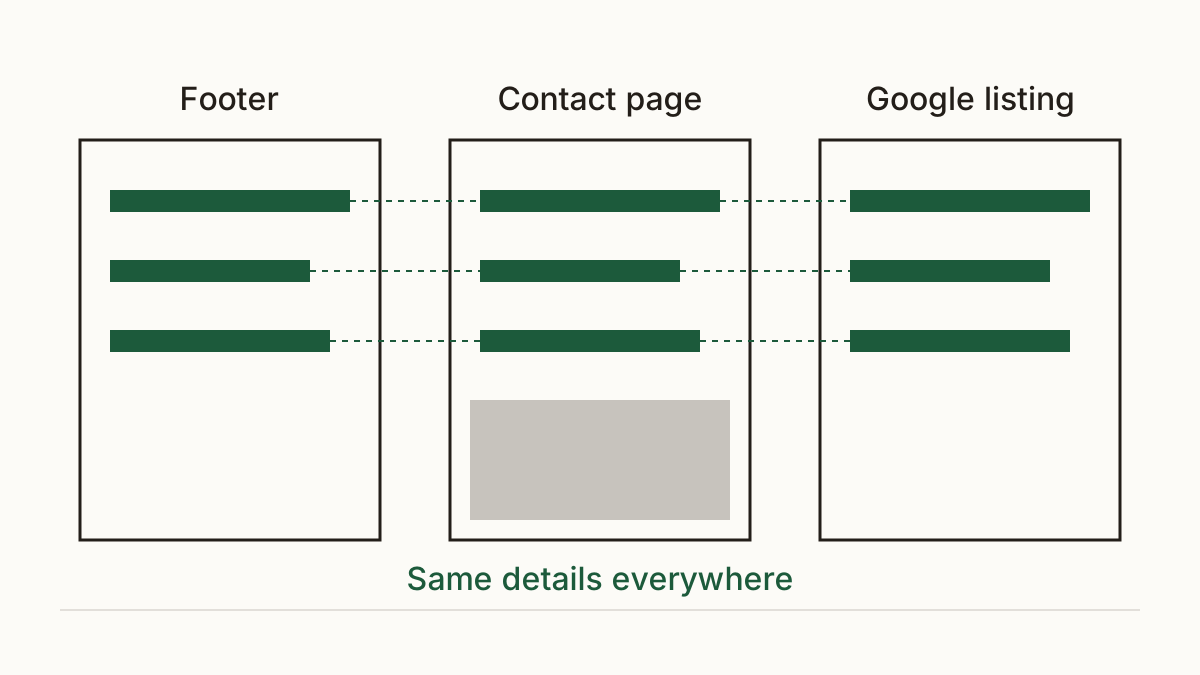
Next, the contact page. It should repeat the same contact details, with a map if you have premises people visit. Then open your Google Business Profile and make sure it matches the site exactly, down to the spelling of the street. You can edit that listing yourself from a Google account. When your site says one thing and your listing says another, customers trust neither. And sooner or later the reviews start mentioning it.
FAQ
Should I put opening hours on every page?
Yes, a short version in the footer does the job. It answers the question wherever a visitor lands, including a blog post they found through search. Keep the full timetable on the contact page and update both at once.
Do I need to show my address if I work from home?
Not your full address. Your town or area plus a phone number is usually enough for customers to see you're local and reach you. Some business types have rules about what they must display, so check the current guidance for yours.
Check your website with us at www.cents-security.com and see what each gap costs you a month.