
Picture a bakery owner who built her website one quiet January on a site builder. It took a weekend, it looked lovely, and she hasn't opened the editor since. Three years on, the site still works, more or less. But the platform has moved on, a few of the defaults it filled in for her are still sitting there, and nobody has looked at it from the outside since the day it went live.
Most small business websites today are built this way, on WordPress, Shopify, Wix, Squarespace or one of their neighbours. That's a sensible choice. It does mean the problems tend to be the same ones, site after site, and we've built Cents Security to recognise them.
Why the platform matters to a check
When we check a site, we first work out what it's built on. That changes the advice. Squarespace, for example, doesn't let you add your own security headers at all, so telling a Squarespace owner to "add a Content-Security-Policy" is advice they can't follow. Where a platform rules a fix out, we say so and show the finding separately with the reason, rather than handing you a to-do list you can't do.
It also changes what we look for. Each platform has its own habits, and the checks below are written for them.
WordPress
WordPress runs a large share of the web, and most WordPress problems come from two places: things left over from installation, and things left behind as the site ages.
A new WordPress site comes with a tagline, "Just another WordPress site", a "Hello world!" post and a "Sample Page". If any of these are still showing, a visitor (and Google, when the tagline is in your title) sees a site that was never finished. Our WordPress default content check looks for all three on your homepage, and it runs on a free check.
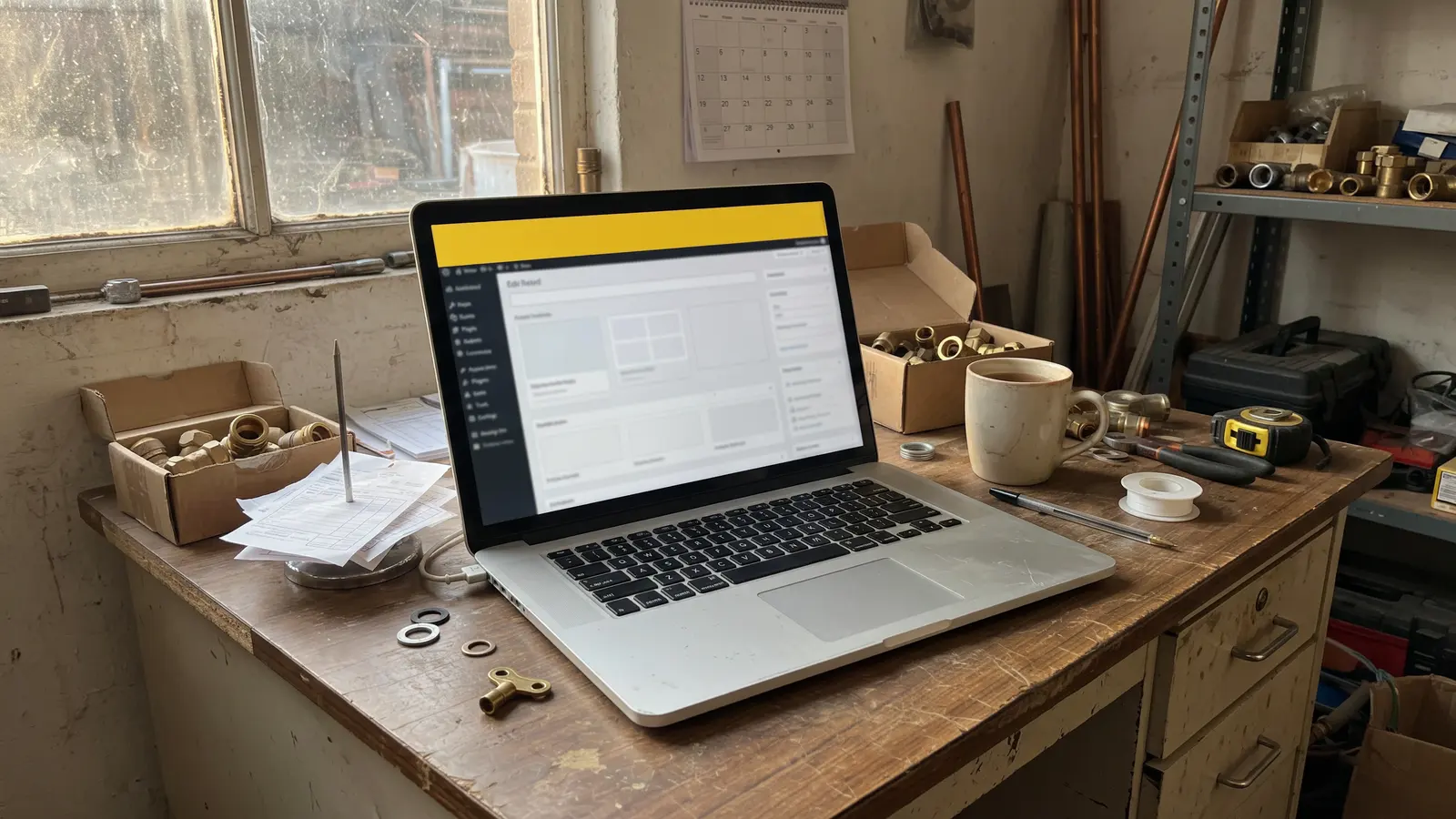
Then there's age. WordPress publishes its own list of every release, marking which are current, which are merely out of date, and which have security holes a later release fixed. When your site shows its version, we look it up in that list, and our insecure WordPress version check speaks up only when WordPress itself calls your version insecure. The fix is usually one click: Dashboard, Updates.
Underneath WordPress sits PHP, the language it runs on, and every version of PHP stops getting security fixes on a published date. The same goes for the Apache and IIS web servers. If your server tells visitors which version it runs and that version is past its end date, our end-of-life server software check says so, with the date. Most hosts let you move to a supported version from their control panel.
We also look for the WordPress problems that help strangers try to get in: usernames the site publishes to anyone who asks, and the old remote interface, xmlrpc.php, left switched on. Those two run once you've proved the domain is yours. The version and server checks are part of the Business plan.
Shopify
The Shopify problem we'd most like to catch is the simplest. A new Shopify store starts behind a password page, so the owner can build it in private. If that password is never removed, every visitor lands on the password page, and nobody can buy anything. The store looks finished from the inside and is closed from the outside.
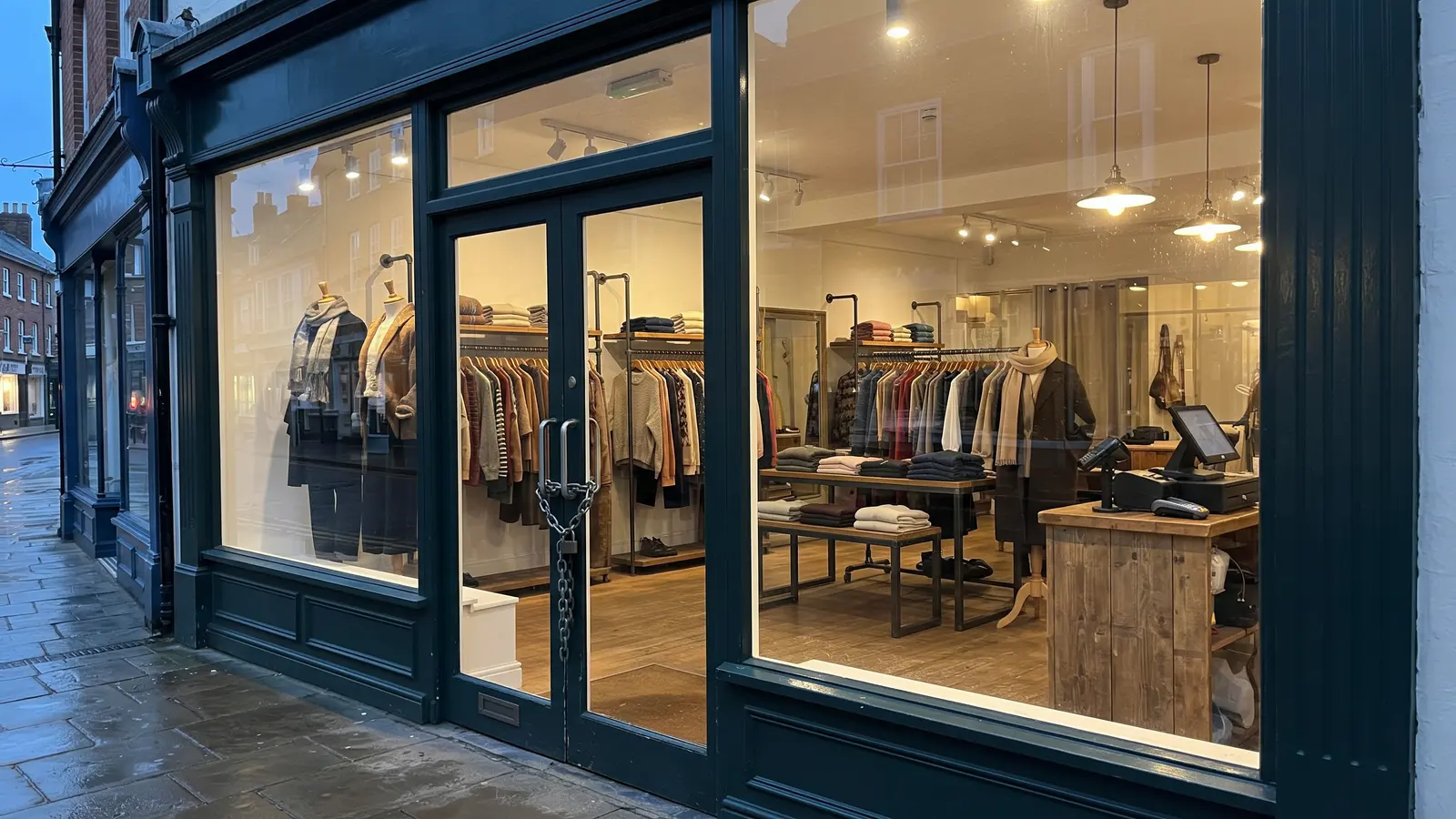
It's easy to miss because you're signed in whenever you look at your own shop. Our Shopify password page check looks at what a stranger sees, and it's free. To open the shop, switch off the password in your Shopify admin under Online Store, Preferences.
Wix, Squarespace and other builders
Builders let you start on a free address of theirs, something like yourname.wixsite.com/shop, before you connect your own domain. Plenty of businesses never get round to it. The site works, but the address is long, hard to say on the phone, and on Wix's free plan every page carries an advert for Wix. Our website builder subdomain check tells you when your site still lives on a builder's address rather than a name of your own.
The rest of our checks run on every platform: the padlock and its expiry date, whether Google can list the site, how quickly it loads on a phone, whether your emails can be faked, and the rest. On a builder, where some fixes are the builder's job and not yours, the report says which.
How the check works
We read your site the way a visitor's browser does, from the outside. There's nothing to install, no plugin and no access to your account, and nothing on your site changes. Every problem comes with a price: roughly what it's costing you each month, with the arithmetic shown, and the exact fix in words you can pass to whoever looks after the site.
FAQ
Do I need to install a WordPress plugin?
No. We check from the outside, the way a visitor would, so there's nothing to install and no login to share. Some checks go further once you confirm the domain is yours, which takes a few minutes.
My site is on Squarespace. Is a check still worth it?
Yes. Squarespace handles some things for you, and we say which, so you're not asked to fix what you can't. The things that are yours, such as your email records, your domain's renewal and what your pages say, are checked the same as anywhere else.
How often should I check a WordPress site?
Every time it changes, and every week or so regardless, because WordPress and its plugins publish fixes often. The Business plan checks your site every day and tells you when something new turns up.
Check your website at https://www.cents-security.com/ and see what each problem on it costs you.
The photographs in this article were made with Google Gemini.