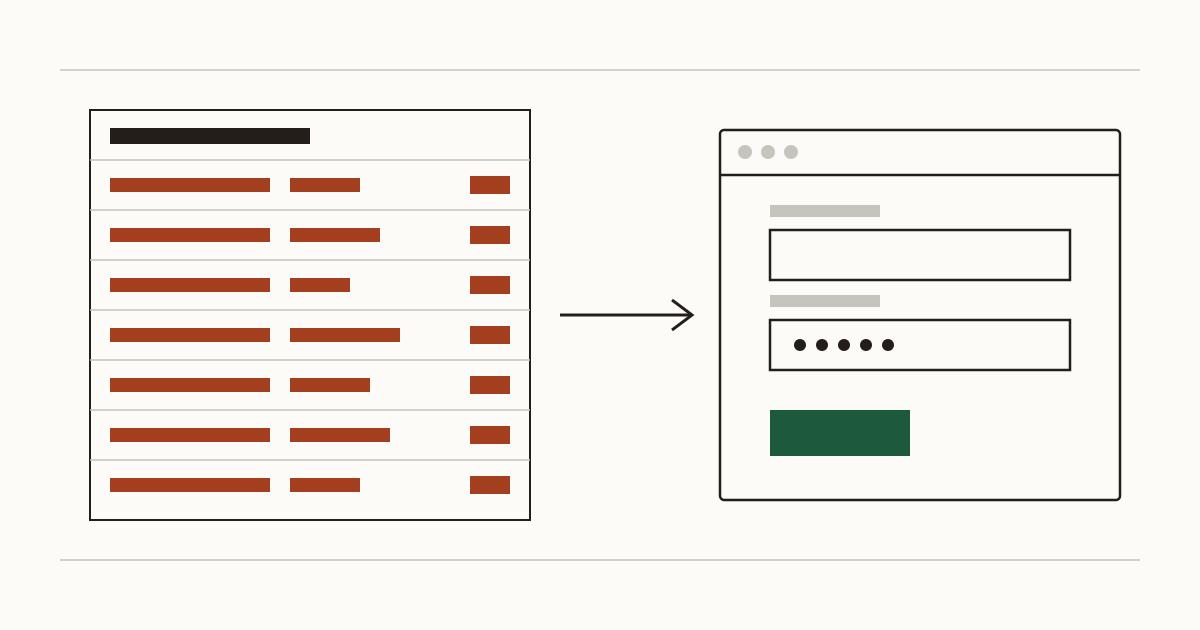
Picture a florist's website on an ordinary Tuesday. The owner goes to bed at eleven. By morning the hosting log shows a few thousand failed password attempts on one account called "admin", one every few seconds, from addresses all over the world. Nobody chose that florist. A script found the site, spotted the usual WordPress address and started guessing. Most nights nothing gets in. The night something does, you'll probably hear about it from a customer.
Why bots knock on your login page
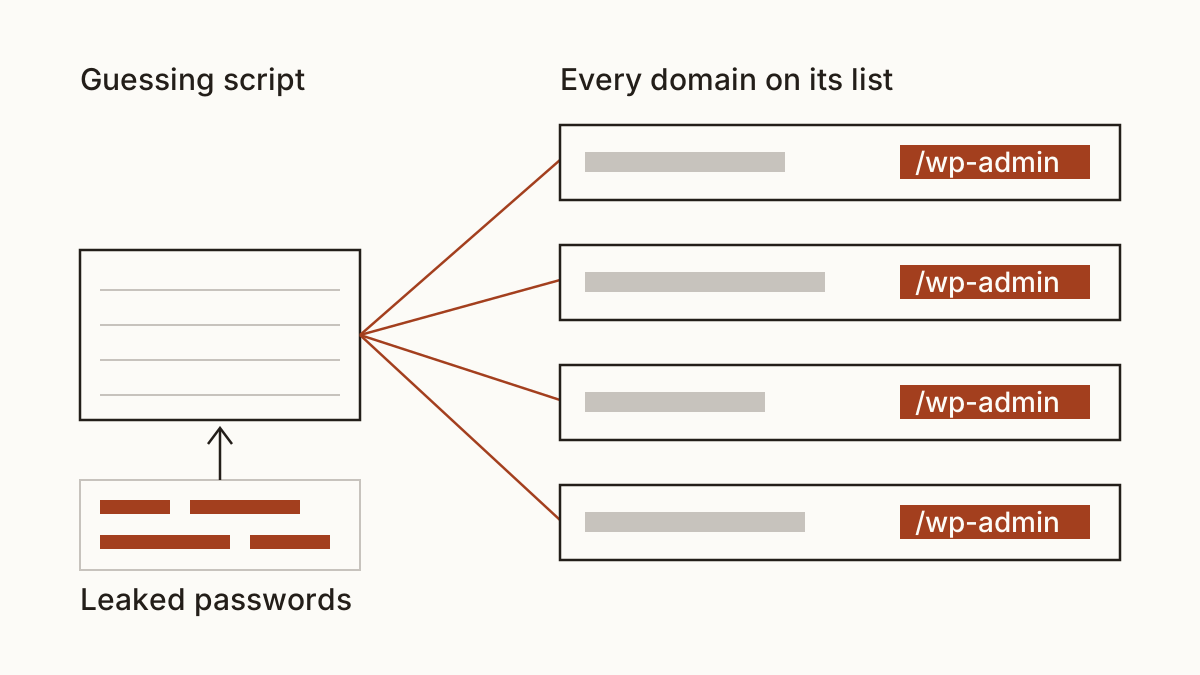
Bots don't pick targets the way a burglar picks a house. They work through lists of every domain they can find, try the standard admin login address on each one, and feed it passwords leaked from other people's breaches. Is a small shop worth their time? It costs them nothing to try, so yes. It's often an easier target than a big company, because it still runs on the password somebody set up in a hurry years ago.
So the question isn't whether anyone is trying. Somebody is. What we care about is how far a lucky guess would get them.
Signs your admin panel is easy to find
Cents Security looks at a site the way a stranger would: no password, no access to your hosting, only what the site shows the world. Three things tell us your admin panel is sitting in plain view, and you'll find each of them in the list of every check we run.
The standard address everyone knows
Add /wp-admin to the address of a WordPress site and the admin login form appears. Other systems have their own well-known paths, and the bots carry the whole list. We don't count a known address as a fault by itself. It becomes one when the form takes endless guesses and asks for nothing but a password.
Usernames the site gives away
Guessing goes much faster when half the answer is known. Plenty of sites print the author's login name under every blog post, or hand it out through a public feed meant for apps. And if the account is still called "admin", the bots don't need either.
Old remote access left switched on
Some sites still answer on doors nobody has used in years. The usual one is an FTP service the first developer set up, and close behind it is a database tool the host installed by default. Each is another place to try passwords, and nobody watches it.
What a broken-in admin account costs you
What it costs depends on what the intruder does once inside. The loud version is a defaced site or one stuffed with spam pages. You lose the enquiries you'd normally get while it's broken: a site that brings in ten bookings a week loses roughly that many for every week it stays down, and Google may keep warning visitors away for a while after.
The quiet version hurts more. Someone changes the bank details on your payment page, and customers pay a stranger for weeks before anyone spots it. That loss is whatever went through the page, plus any refunds you decide to cover.
Then comes the clean-up. A developer usually spends somewhere between half a day and a few days finding every change and restoring from a backup, at their normal day rate. If the site held customer details, you may also have to decide whether to report it to the ICO, so check its current guidance on personal data breaches.
Lock it down
Most sites need no new software for this, only a few settings. Start with two-factor authentication on every account that can sign in, beginning with your own. On WordPress your developer can add it with a well-supported plugin in under an hour. Next, limit failed attempts (your host or developer can switch this on), so an address gets locked out after a handful of wrong guesses.
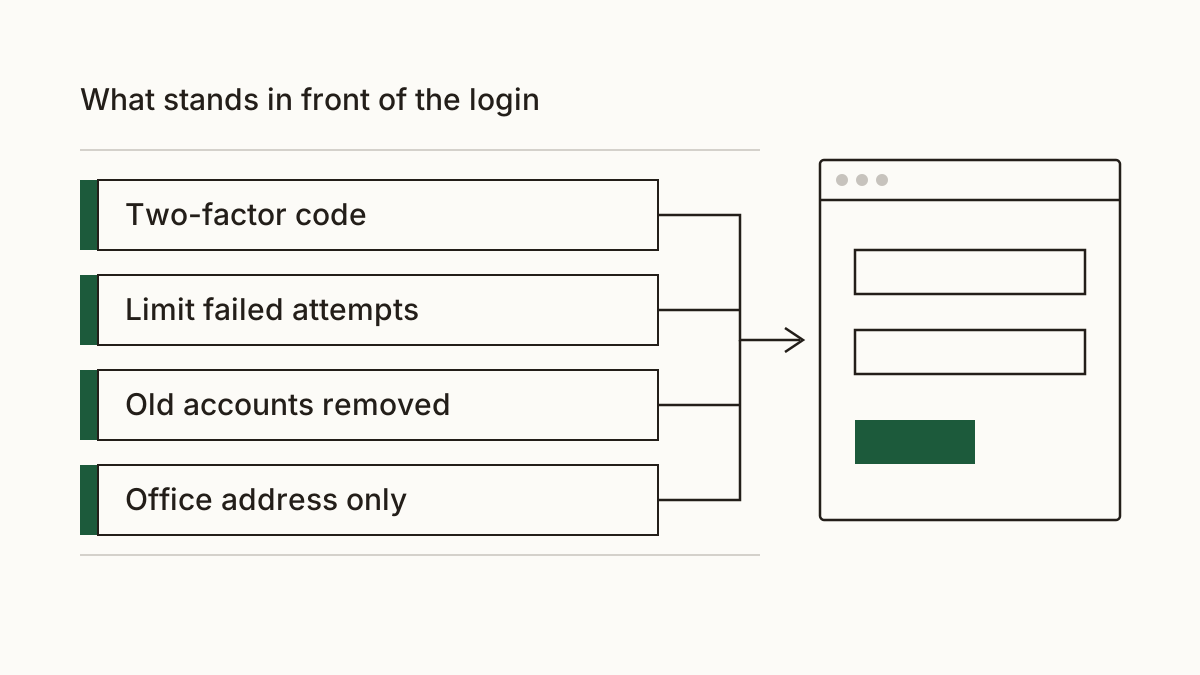
Old accounts are the part you can do yourself. Open the users screen and delete every account belonging to someone who's left, including past agencies. We'd do that today. Does your team always work from one office? Then your host can restrict the admin login to that office's address, and everyone else meets a closed door.
A free scan shows which of these your site is missing. After that, the paid plan that watches your site daily tells you when a door opens again, say after a plugin update or a move to new hosting.
What to send your developer or host
You don't need to understand any of this to get it fixed. Copy the message below and put your name at the end:
"Hi, could you look at the login on our website? Please turn on two-factor authentication for every account with admin rights and limit failed sign-in attempts. Could you also remove accounts for people who no longer work with us, and switch off FTP if we don't use it? Let me know what it costs and when it's done. Thanks."
A developer will recognise every line, and on a small site it's usually a short job.
FAQ
Does changing the login address help?
A little, but it isn't a fix. A secret address cuts the noise from the laziest bots, so your logs go quieter. Anyone who finds the new address through a leaked link is back to guessing, so we'd only do it on top of the steps above.
My site is on a website builder. Is this my problem?
Partly. On a hosted builder the platform guards the login and you can't reach the server, so the old remote access risk mostly disappears. Your password is still your job, though. So is switching on the builder's two-step sign-in and removing former staff.
Check your website at https://www.cents-security.com/ and see what each problem on it costs you.