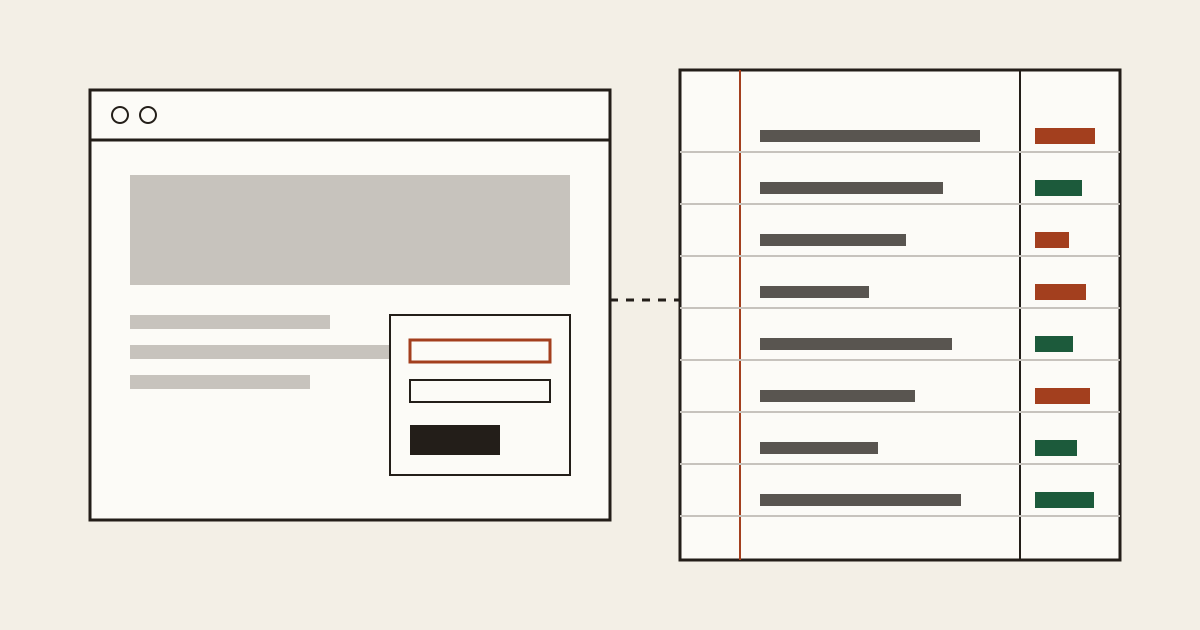
A client asks you to change the opening hours on their site. You log in, edit one line, and log out. A week later they ring: the contact form hasn't sent anything for a month, and since you were the last person in there, it must be you. It wasn't. The form broke long before you arrived, but you can't prove it, so you fix it for free and lose an afternoon.
That's the case for an hour of checking before you touch anything on an inherited website. We do the same on every site we're asked to look at, and the hour pays for itself the first time a client says "it worked before you came".
Why the first hour protects you
You're writing down what was already wrong, with the date, before your name is attached to the site. Finding paid work comes later, as a side effect. We'd send that list to the client the same day, in plain words, and keep a copy.
A dated client website audit does two jobs. It shows the client you looked properly, which is a better first impression than any portfolio. And when something fails later, you can open the list and see whether it was there on day one. Plenty of arguments between a freelancer and a client start with nobody knowing what the site looked like before.
Who holds what
Ask the client five questions, and write the answers down. Who registered the domain? Who pays for the hosting? Where is the DNS managed? Who runs the email? Who has the admin login for the site itself?
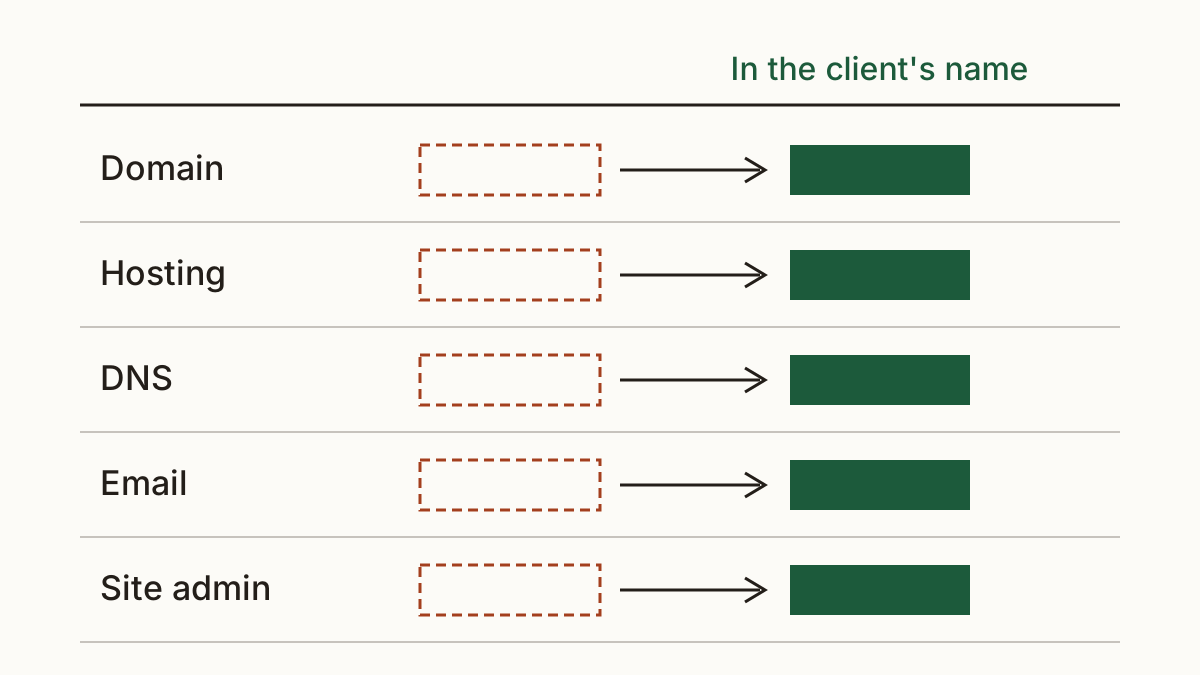
You'll often find the domain sits in the previous developer's account, or in the account of a nephew who built the first version. That's fine until a renewal email goes to an inbox nobody reads. Our rule is simple to say and dull to do: every one of those should sit in the client's name and on the client's card. You get added as a user. Not the other way round. If the agency leaves, the business shouldn't go with it.
What to look at before you change anything
Run the outside checks first, because they need no logins and they're what customers and search engines see. Cents Security does this from the outside and puts a monthly cost on each problem; the list of every check we run is grouped by who is affected. Whatever tool you use, save the results with today's date. We'd keep them as a PDF in the client's folder, because a screenshot on your laptop is hard to find in six months.
The connection and the certificate
Open the site in a private window on your phone. Does Chrome show the padlock, or "Not secure"? Check the certificate's expiry date too. A certificate that runs out next week is the client's problem today, and you'll be the one blamed if it lapses on your watch. Most hosts renew automatically now, so when one is close to expiry, our first question is why the renewal stopped.
The email records that stop spoofing
Look up the domain's SPF and DMARC records. Without them, anyone can send an invoice that appears to come from your client's address. The fix is a few lines in the DNS, added by whoever manages it, so this is where the answers from the last section pay off. We'd also check that the records include the service sending the client's invoices, or their own bills start landing in spam.
Plugins, themes and old code
Once you have the admin login, list the plugins and the theme with their versions, and note which ones haven't had an update in a year or more. Don't update anything yet. Take backups first, and confirm you can restore one. An update that breaks the shop on a Friday evening is a different animal from one you planned.
Forms and where they send
Fill in every form on the site and see where the message lands. Contact forms that send to a former employee's address are common, and the client usually doesn't know. Every enquiry since that person left has gone nowhere. We'd test from a phone as well as a laptop, since a form that fails on mobile loses most of a restaurant's or a clinic's bookings.
Turning a client website audit into a quote
Now order the problems by what they cost, not by how interesting they are to fix. A client reads "missing DMARC record" and shrugs. They read "somebody can invoice your customers as you" with a rough monthly cost beside it, and they ask how soon you can start. Put the biggest money first and the cosmetic items last.
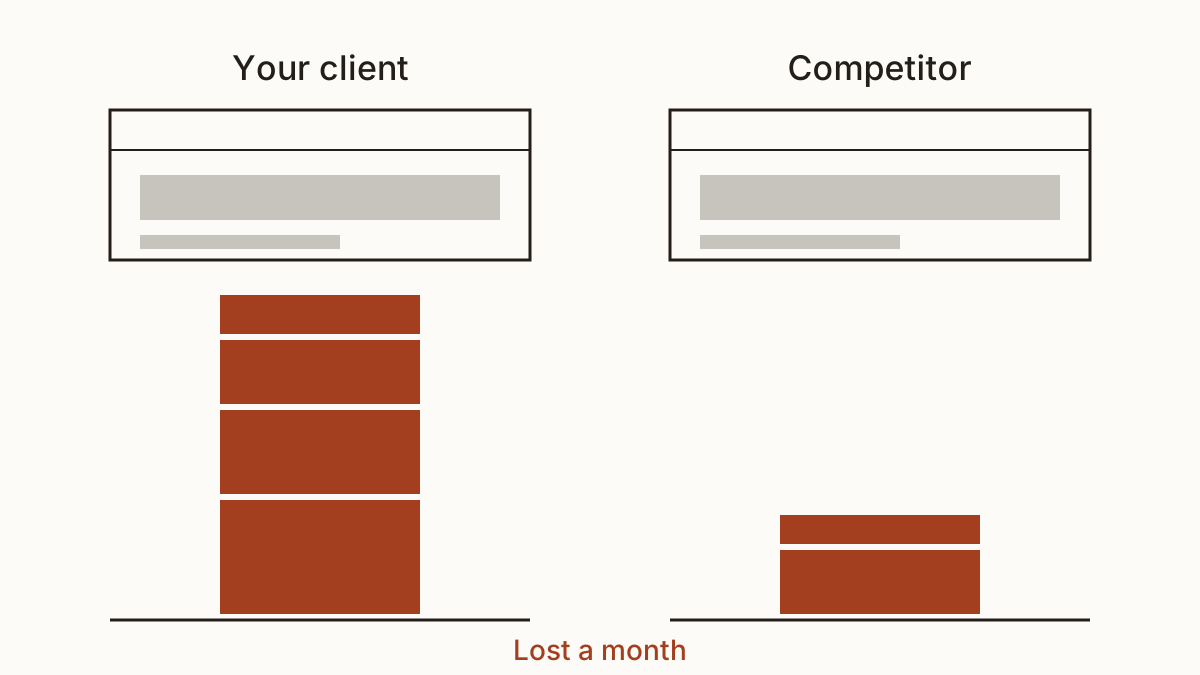
It helps to show the same list against a site they know. You can compare it with a competitor's site and show which one loses more a month. A side-by-side often lands faster than any explanation. Your client website audit turns into the scope of work, and the quote follows from it.
Keep watching after the handover
A website handover isn't the end of the risk. Certificates expire and plugins go stale. Then someone at the client changes the email provider without telling you. If you look after several sites, a daily check that tells you when something serious appears costs less than finding out from an angry phone call. You can see the plans for watching several sites and decide whether it's worth it for your client list.
And keep the dated list from the first hour. At the next website handover, to another freelancer or back to the client, it's the record that shows what you left behind.
FAQ
Should I fix problems I find that weren't in the brief?
Not without telling the client first. Write it up, give a rough cost of leaving it, and let them decide. Fixing it without a word feels helpful. It also hides that the work existed, and you won't be paid for it.
What if the previous developer won't hand over the logins?
The client can usually recover them directly. The domain registrar and the hosting company will deal with the account holder or the business named on it, with proof of identity. We'd get the client to start that themselves, because it's their property and their request.
Check your client's website with us and see what each problem on it costs them a month.